

Yesterday I told you why you need a test image before you learn color correction. Here is how the course actually gets you there.
It moves in four stages.
First, the concepts. You start by seeing how RGB and hue really behave, using a simple image so nothing is hidden.
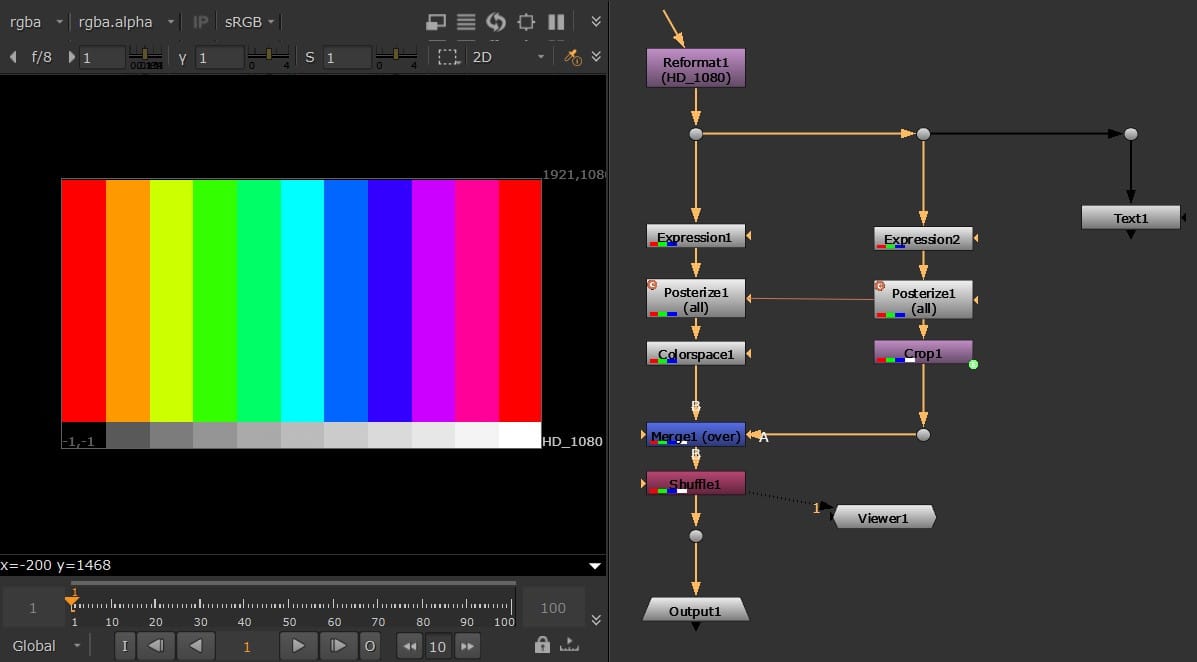
Then you build. Group nodes, reformats, expressions, colorspace conversion. Piece by piece you construct an image that shows the full range of color and value.
Then you refine it. Grayscale ramps, alpha, and controls you can adjust, so the image works at any resolution and any width.
Then you keep it. You export the whole thing as a gizmo, a reusable tool you drop into any script from now on.
Twenty-six short lessons, most under two minutes. You don't just watch a color-correction trick. You walk away owning a tool you built and understand.
That is the first course at HeyGanz.com - Test Image
- Ganz


Discussion